- Click on the “J” icon displayed in the Chrome menu in the browser
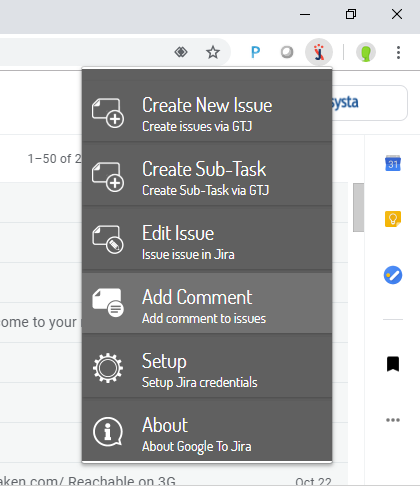
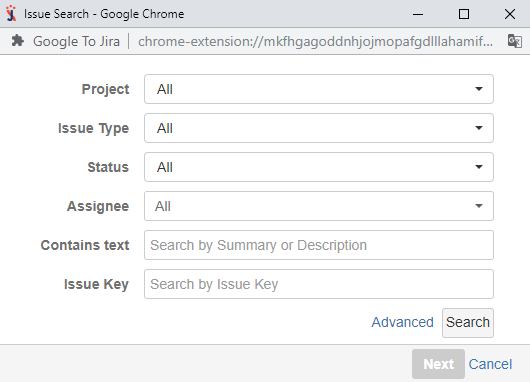
2. Click on "Add Comment" and search for your JIRA ticket
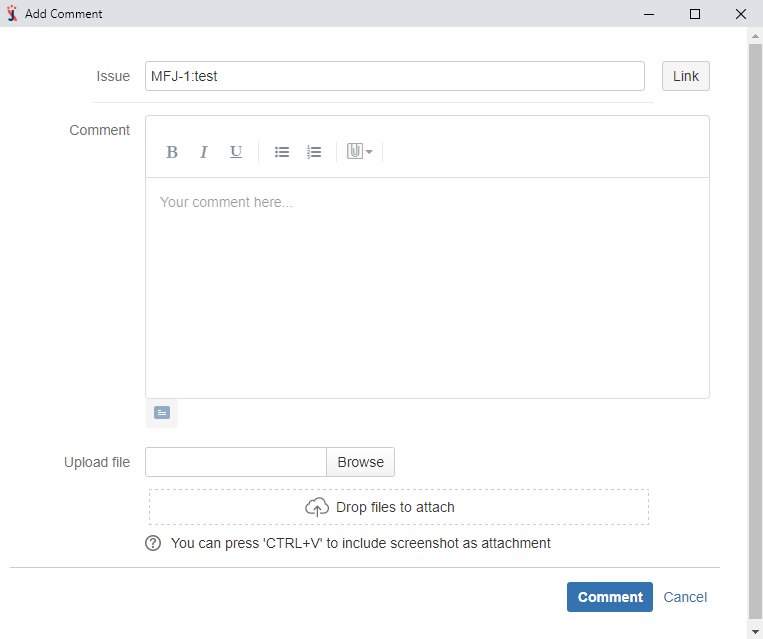
3. Fill in the required field
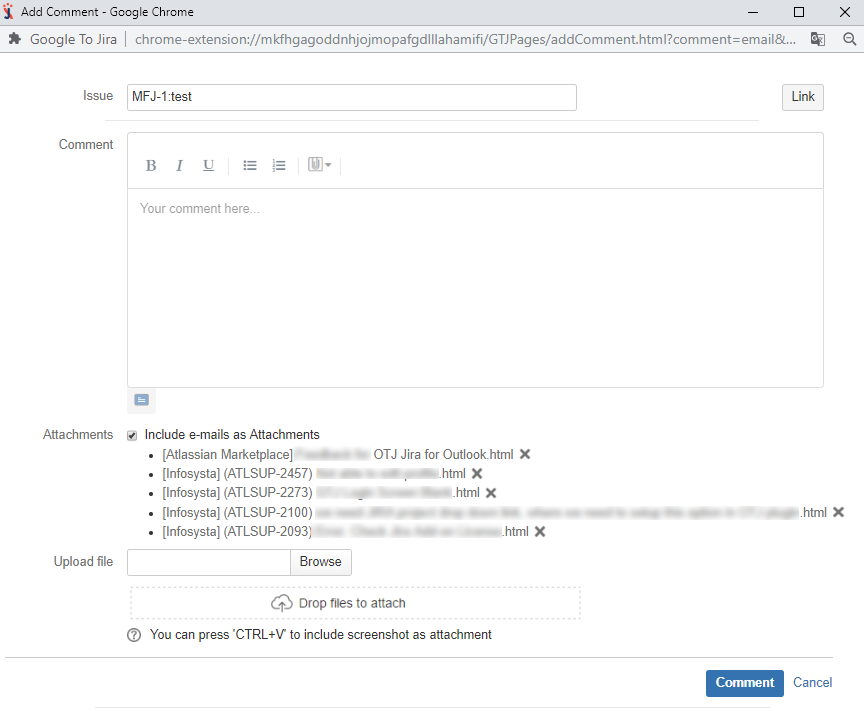
- Open an email in Gmail and click on the 'Gmail To JIRA' menu
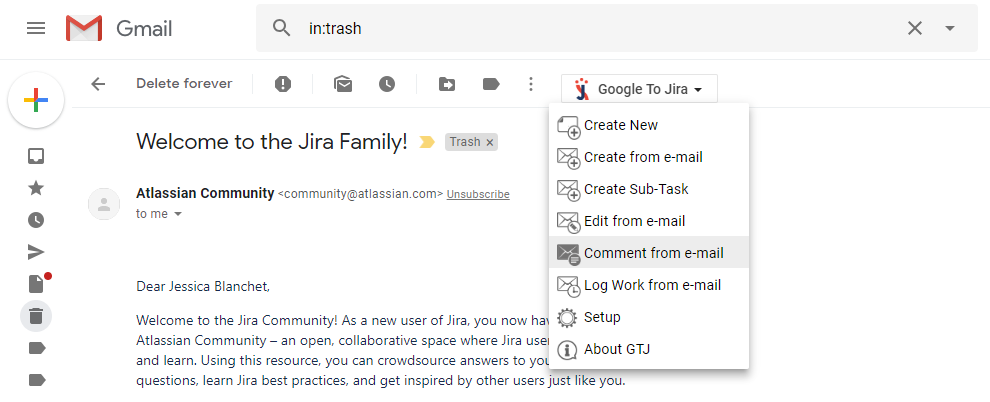
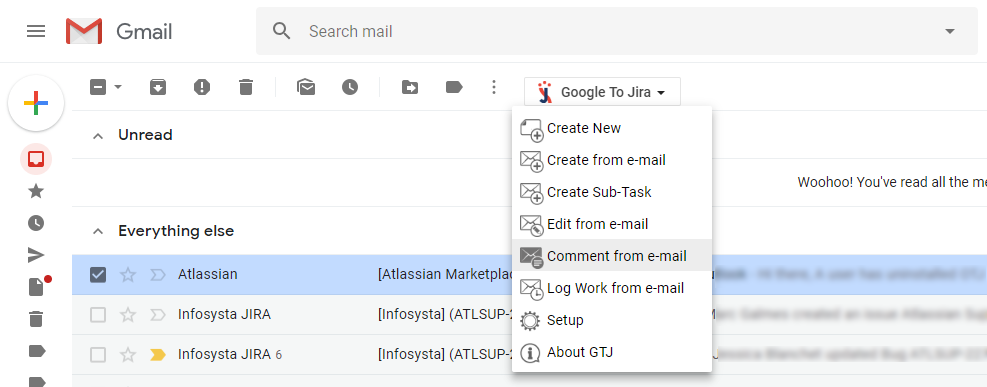
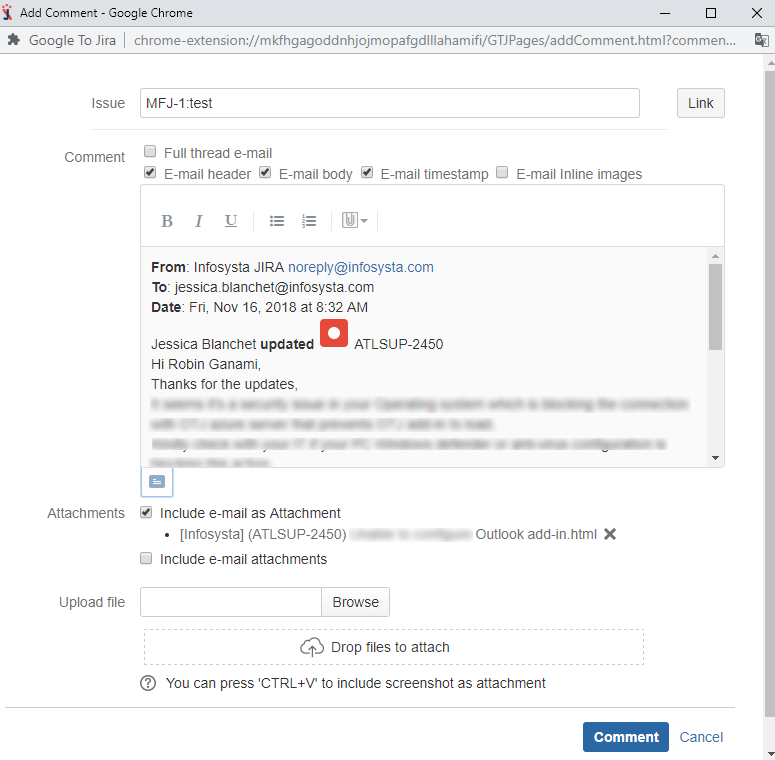
3. Click on“Comment from e-mail” and search for your ticket
4. Fill in the required field
- Open an email in Gmail and click on the 'Gmail To JIRA' menu
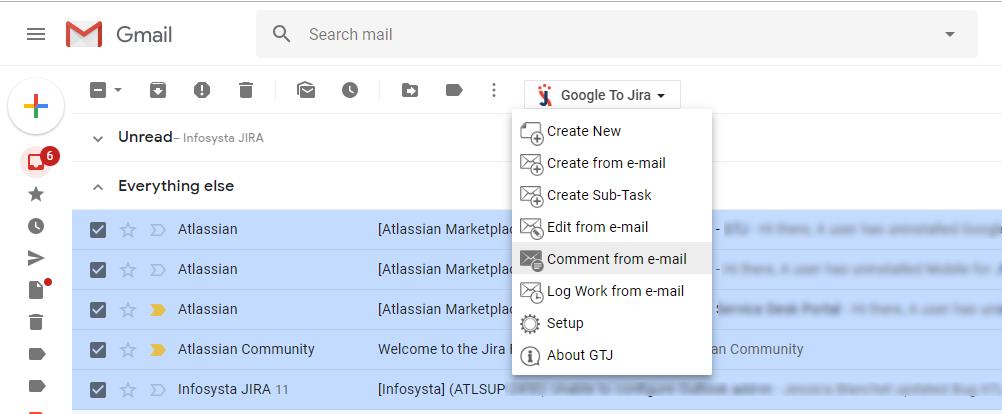
3. Click on“Comment from e-mail” and search for your ticket
4. Fill in the required field