...
This guide will show you how to create a new fix version directly from the create Create screen.
Quick Steps
...
Follow these steps
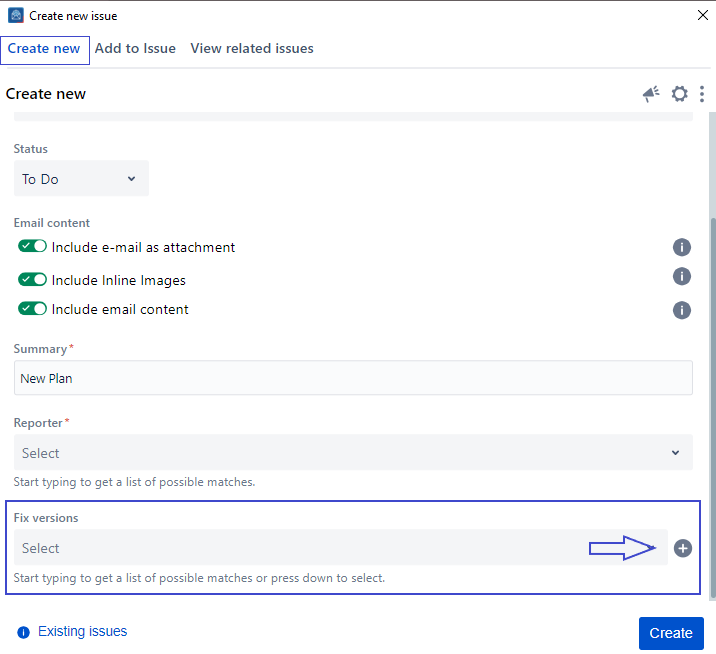
1. Head to the Create screen
2. Scroll to the Fix version
...
field
3. Click on the '+' button
...
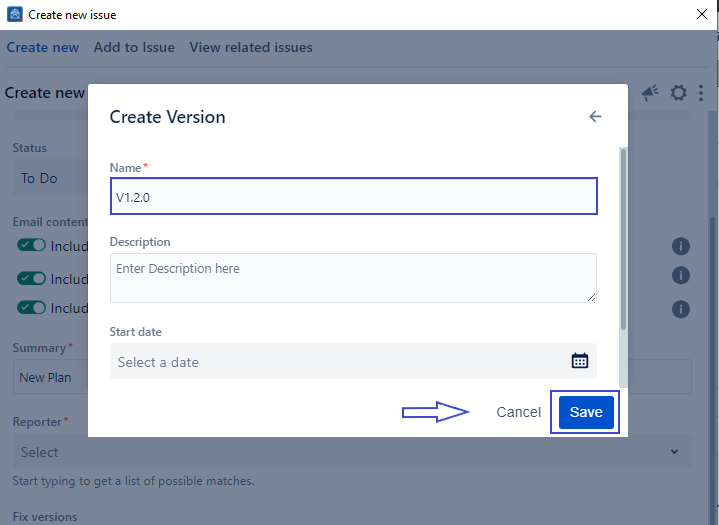
4. Enter a new
...
Version Name
5. Fill in other fields
...
6. Click on save
...
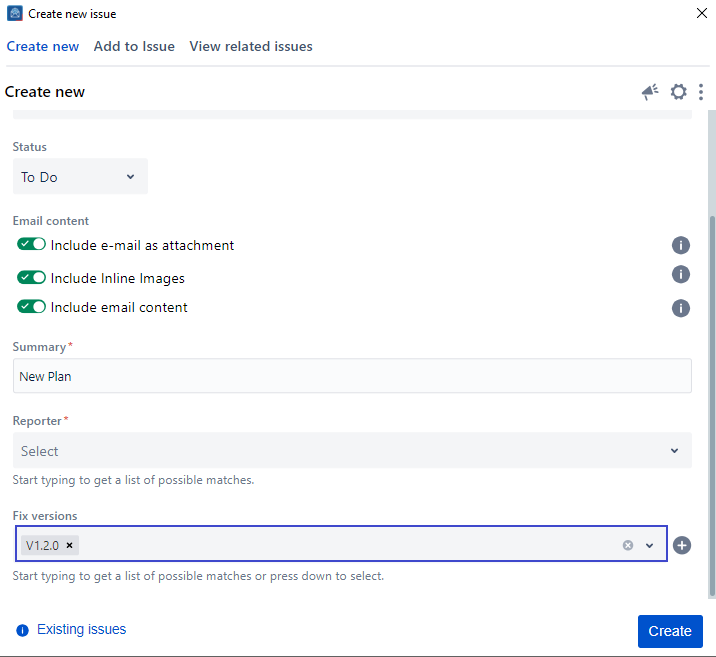
7. Once saved,
...
the fix version
...
created will be selected in the Create screen
| Note |
|---|
You need to have the correct Jira permissions to be able to create a new fix version. |
| Note |
|---|
If you can't find the field you are looking for, you might need to show/hide it from the Configure field option. Learn more here. |
...
| Content by Label | ||||||||
|---|---|---|---|---|---|---|---|---|
|